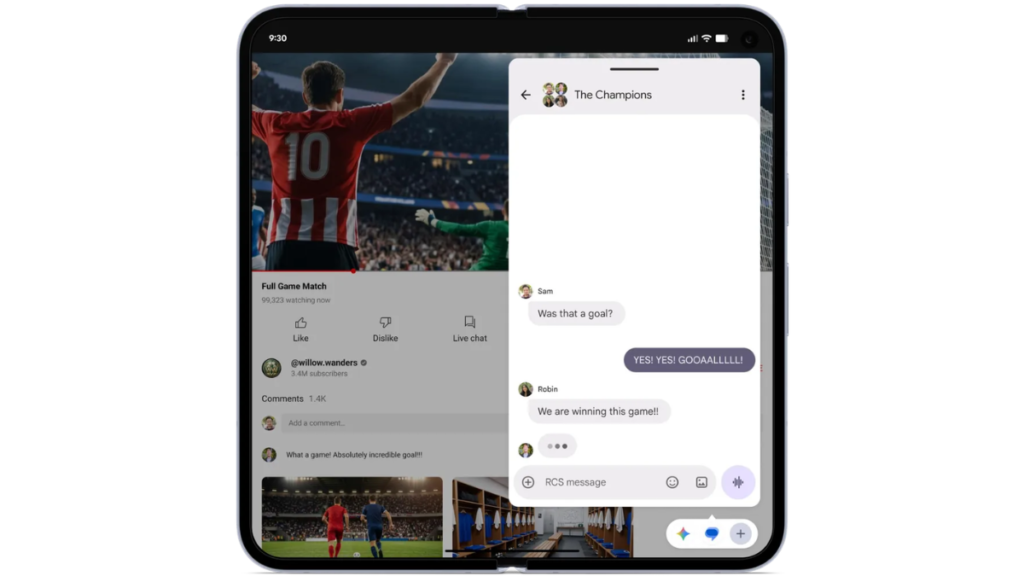
Android 17 update brings various new features, fresh animations, and security and privacy tools. Among the many new functionalities, Google has also introduced the new Bubbles feature for enhanced multitasking, which allows users to convert any app into a compact floating window by long-pressing the app icon. Users can view multiple apps at once as Bubbles, as the floating windows are stacked on top of each other for easy access. Google has also introduced a dedicated Bubble Bar, available only for devices with larger screens, such as tablets and foldables. This bar displays all the apps that have been converted into Bubbles and are currently in use, acting as a dock.